
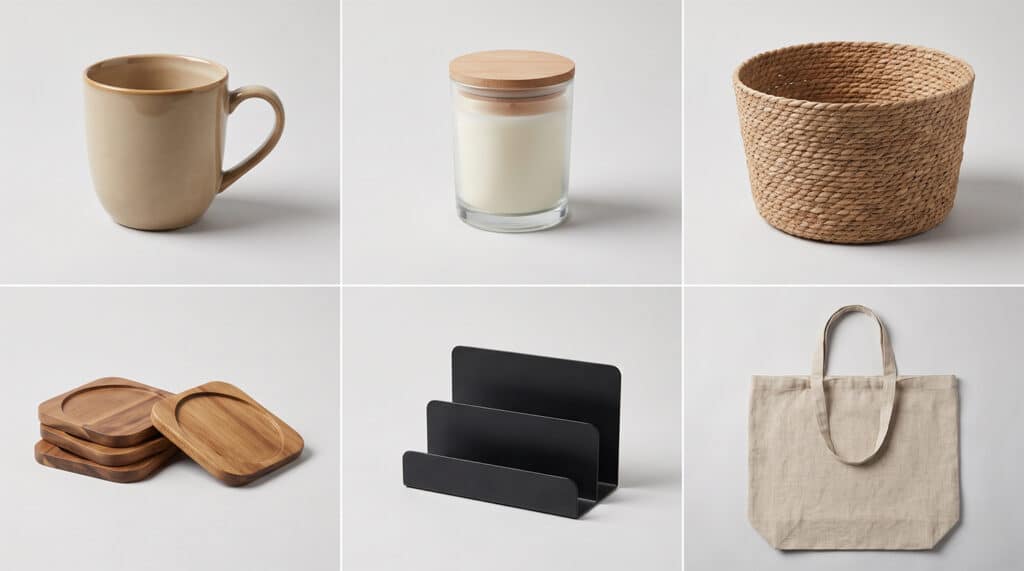
AI product photography Shopify UK searches have exploded as more merchants launch stores without a photography budget. Type a prompt, get a clean product shot, upload it, done. That workflow gets you images. It doesn’t get you a store that converts, and the gap between the two is where most Shopify merchants lose money without realising it.
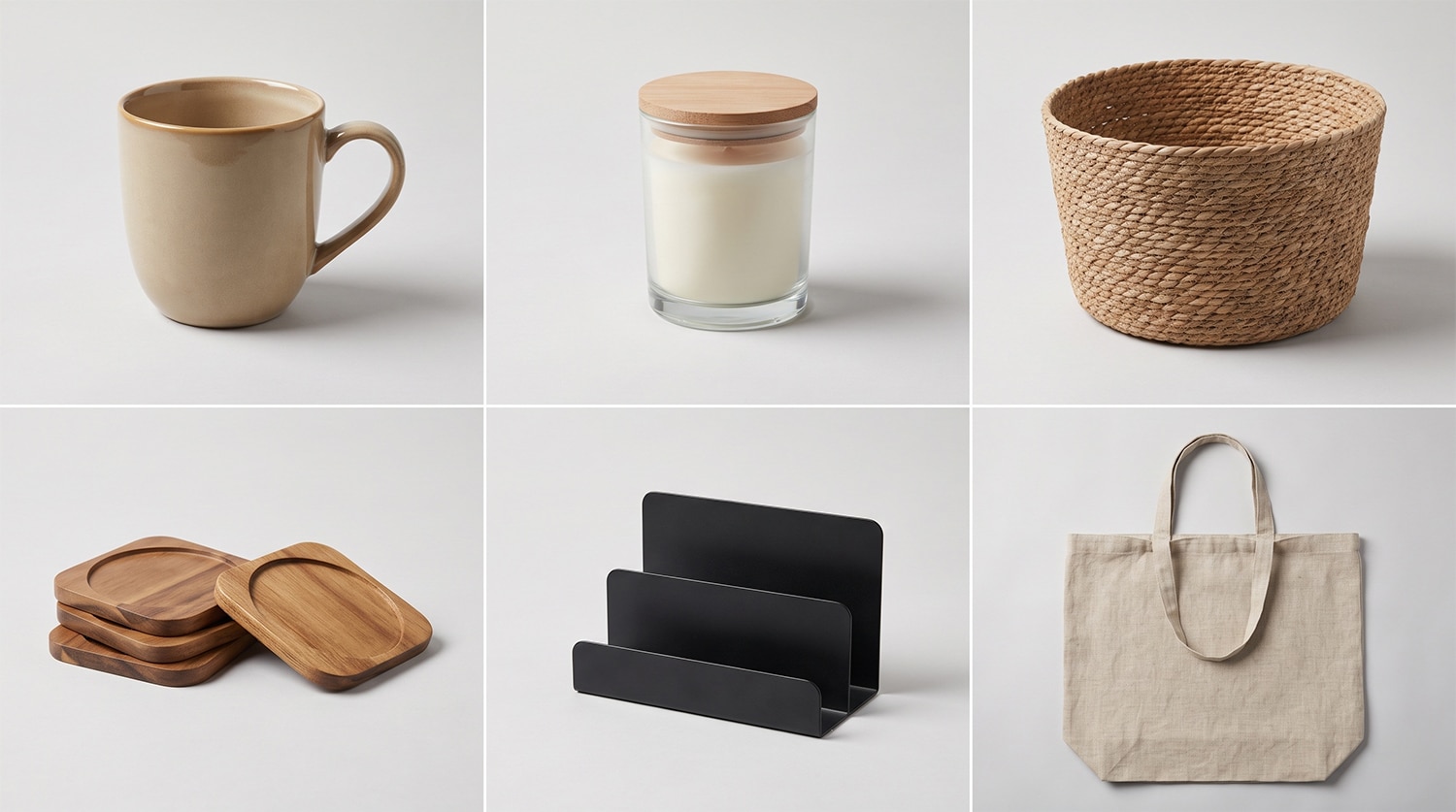
Shopify’s own guidance on this covers the tools well: generate an image, refine the prompt, optimise for different channels. What it doesn’t cover is the part that actually determines whether AI imagery helps a store or quietly undermines it: brand consistency across a growing catalogue, which product types AI handles convincingly, and the point at which “good enough” images start costing more in lost trust than they saved in photography fees.
The Real Question Isn’t Which Tool. It’s Which Products.
Every AI image tool comparison treats product photography as one problem with one solution. It isn’t. A ceramic mug on a plain background is a different technical challenge to a fitted garment on a body, and AI handles them at wildly different levels of reliability.
- Rigid, symmetrical products (homeware, tech accessories, packaged goods): AI backgrounds and lighting work well here. Low risk.
- Reflective or transparent products (glassware, jewellery, anything with chrome): AI still struggles with accurate reflections and refraction. Medium to high risk.
- Fabric and texture-dependent products (clothing, upholstery, soft furnishings): drape, weave and creasing are where generative models are weakest. High risk without a real source photograph to work from.
- Products worn or held by a person: hands, proportions and fit are the most commonly flagged failure points in AI-generated retail imagery.
The pattern holds across the catalogue: the more a product depends on how light behaves across an irregular or soft surface, the more a fully AI-generated image looks synthetic. This is the single biggest predictor of whether AI photography will strengthen a Shopify listing or flag it as untrustworthy.
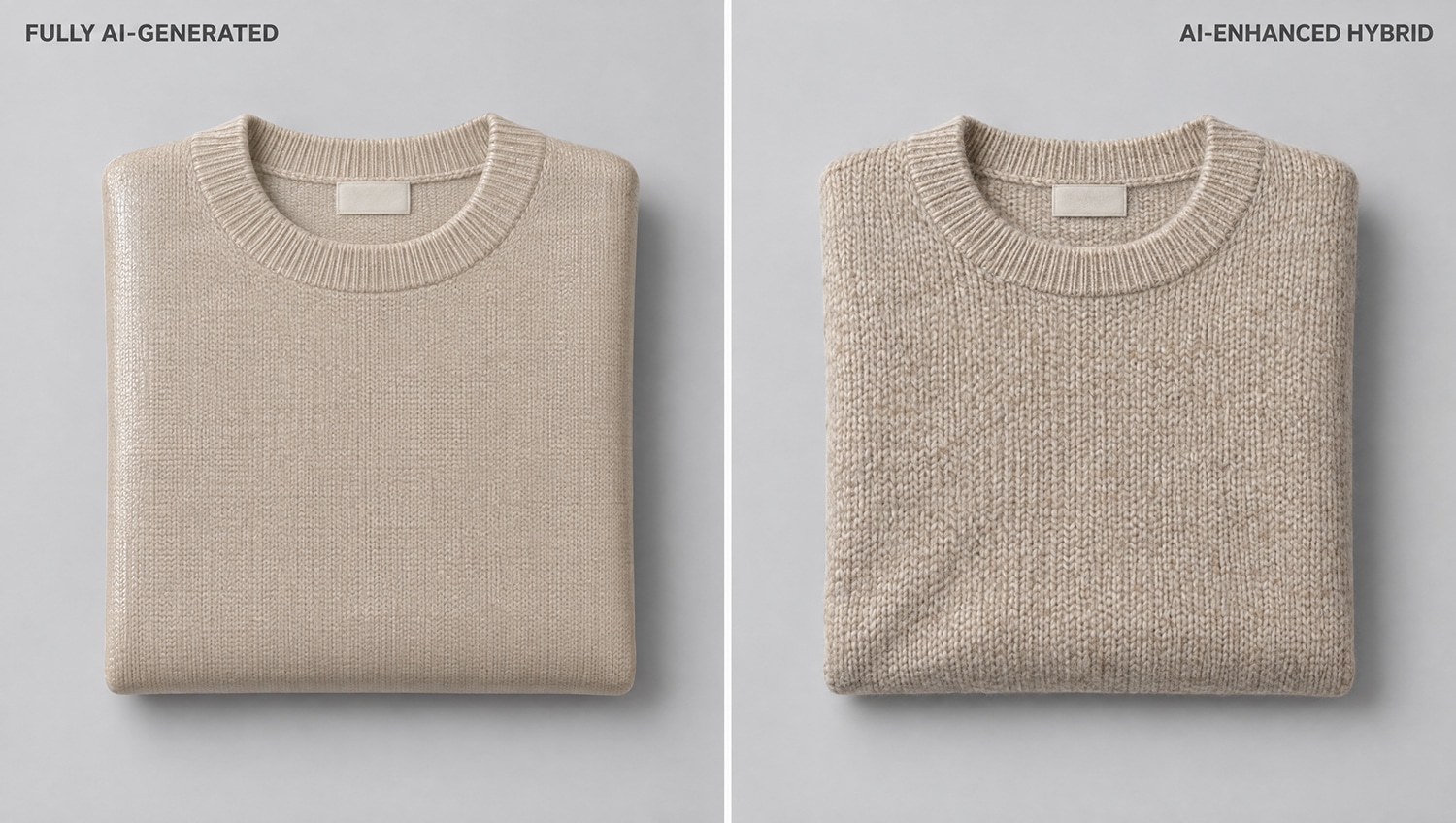
Fully Generated Versus AI-Enhanced: A Different Starting Point
There are two distinct approaches sold under the same AI product photography Shopify UK label, and merchants are rarely told the difference clearly enough to choose properly.
| Approach | How it works | Best for | Risk |
|---|---|---|---|
| Fully AI-generated | Image created from a text prompt or a single reference photo, with no real studio shoot behind it | Simple, rigid products; early-stage stores with no budget for any photography | Inconsistent accuracy, harder to fix if the product looks “off” |
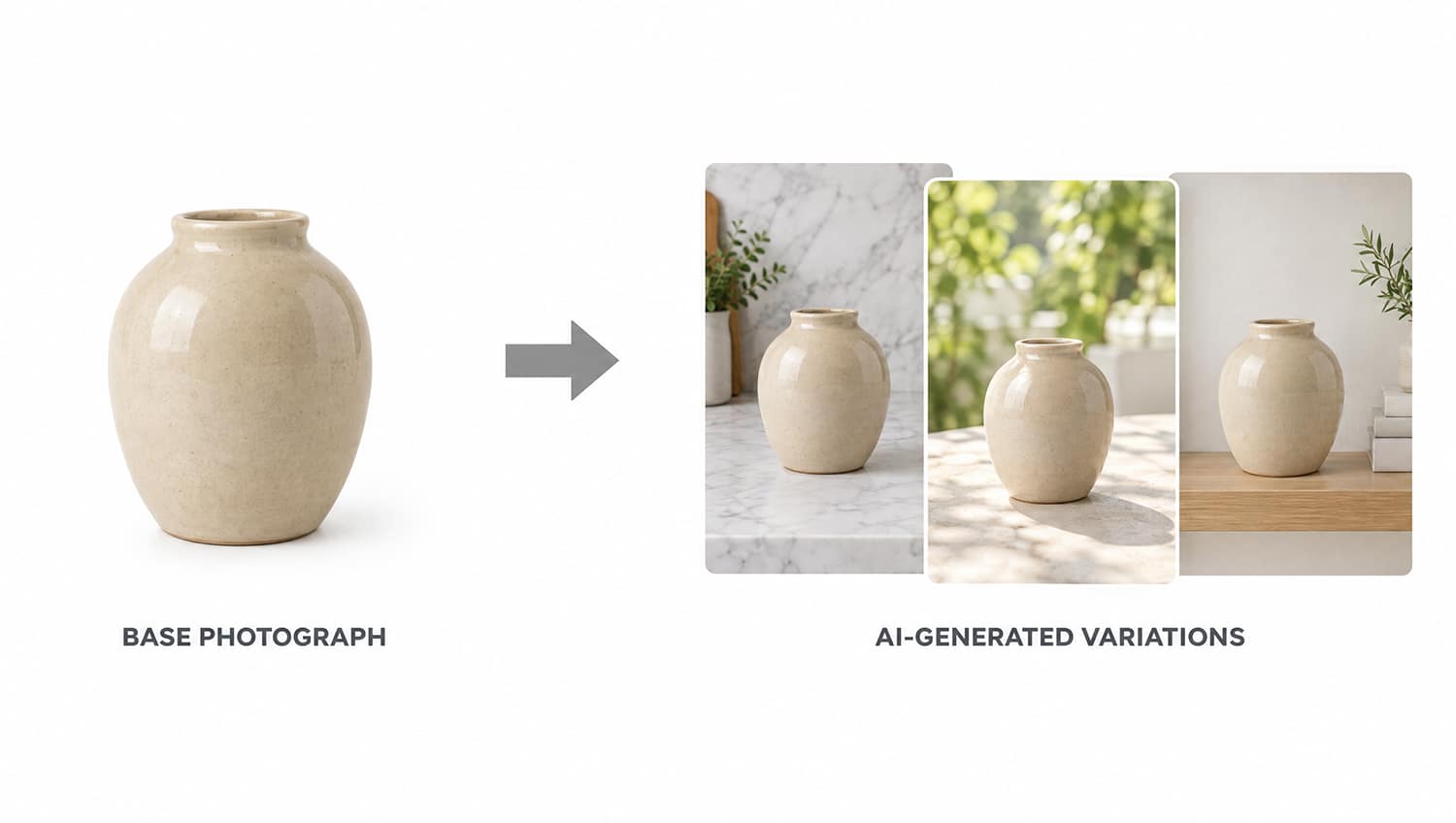
| AI-enhanced (hybrid) | A real photograph of the actual product is taken first, then AI is used to generate backgrounds, lifestyle scenes or variations from that base image | Growing stores, anything fabric-based, brands where trust and accuracy matter | Requires at least one proper source photograph per SKU |
The hybrid route costs more than a pure prompt-to-image tool, because it starts with an actual photograph. It also produces images that hold up under close inspection, because the product itself is real. For a Shopify store selling anything beyond simple flatlay-friendly goods, that difference shows up directly in return rates and customer trust, not just in how the photos look on the page. For the fuller breakdown of where each approach fits, our complete guide to AI product photography in the UK covers all four categories in detail.
Brand Consistency Across a Growing Catalogue
This is the problem AI tool guides consistently skip, and it’s the one that actually breaks Shopify stores as they scale. A single AI-generated hero image looks fine on its own. Twenty of them, generated across different sessions with slightly different prompts, rarely match.
Inconsistency shows up as:
- Shadow direction and intensity shifting between product pages
- Background tone drifting from warm to cool across a collection
- Product scale and framing varying enough that a category page looks assembled rather than curated
- Colour accuracy drifting slightly per image, which matters enormously for anything sold by exact shade
None of these are single-image problems. Each one is barely noticeable on its own. Across a full collection page, they add up to a store that feels slightly off without the visitor being able to say why, and “slightly off” is enough to affect conversion on a considered purchase.
The fix is a locked reference standard: one base lighting setup, one background treatment, one colour calibration process, applied consistently across every SKU before any AI generation happens. That’s a workflow decision made before the first image is produced, not something a prompt can fix afterwards.
Ready to see what a consistent AI-enhanced catalogue could look like for your store? Start the conversation.
What Shopify’s Own Image Requirements Mean for AI Output
Shopify’s own guidance recommends square product images at a minimum of 2048 x 2048 pixels for zoom functionality to work properly, saved as JPEG or WebP, with a consistent background approach across the collection. This creates a specific problem for AI-generated images: many generation tools output at resolutions well below this, or introduce compression artefacts that only become visible once a customer zooms in.
A product image that looks convincing at thumbnail size on a category page can fall apart under Shopify’s zoom feature if the source generation wasn’t produced at sufficient resolution. Checking this before upload, rather than after a customer flags it, is a five-minute step that most AI image workflows skip entirely.
Where AI-Generated Images Actually Cost Sales
The failure mode isn’t usually an image that looks bad. It’s an image that looks almost right. Customers increasingly recognise AI-generated product photography, and the reaction to spotting it isn’t neutral. It reads as the brand cutting corners, which is a difficult signal to send on a platform where trust is already the main thing standing between a browser and a completed checkout.
The specific patterns worth checking for before publishing:
- Fabric that has no natural creasing or where the drape doesn’t match how the material would actually fall
- Reflections in glass, metal or screens that don’t match the light source in the rest of the image
- Text, labels or logos that are slightly warped or illegible up close
- Shadows that fall in a direction inconsistent with the visible light source
Any one of these, spotted by a customer at the zoom-in stage, does more damage than a plainer but accurate photograph would have. This is the trade-off that a tool comparison article can’t tell a merchant about, because it depends on the specific product, not the tool. For a closer look at the common failure patterns in AI-generated product photography, including logo and colour fidelity, see the full breakdown.
AI Product Photography Shopify UK Cost: What This Actually Runs To
Industry-average UK pricing for AI-enhanced product photography for e-commerce typically falls into these ranges, depending on catalogue size and complexity:
| Catalogue size | Typical annual visual content cost | Approx. per SKU |
|---|---|---|
| 20 SKUs | £2,800 – £8,500 | £140 – £425 |
| 50 SKUs | £8,500 – £25,000 | £170 – £500 |
| 150 SKUs | £26,000 – £75,000 | £175 – £500 |
These figures assume a hybrid approach: a real base photograph per SKU, enhanced and varied with AI for lifestyle scenes and platform-specific crops. Pure prompt-to-image tools cost less per image, often a subscription in the £10 to £50 per month range, but that cost comparison only holds if the output is usable without a real photograph behind it, which for most product categories, it isn’t reliably. For a full breakdown of UK AI product photography costs across catalogue sizes and hidden expenses, see the dedicated cost guide.
A Workflow That Scales With the Store
For Shopify merchants planning beyond an initial product launch, the workflow that holds up long-term looks like this:
- Shoot a proper base photograph of every SKU once, under consistent lighting and against a neutral background
- Use that base image to generate AI variations (lifestyle scenes, seasonal backgrounds, platform-specific crops) rather than generating from scratch each time
- Lock a style reference (lighting angle, colour temperature, background treatment) and apply it across every new product added to the catalogue
- Review new AI output against the failure patterns above before publishing, particularly for fabric, reflective or worn products
- Re-shoot the base photograph, not just re-prompt the AI, whenever a product’s materials or finish change
This is more process than most “AI product photography” guides describe, because most of them are selling a tool rather than a workflow. The tool is one part of a five-step process, not a replacement for the other four.
When a Consultant Makes More Sense Than a Subscription
A single-founder store with twenty simple, rigid products can reasonably run entirely on a subscription AI tool and a bit of trial and error. That calculation changes once a catalogue includes fabric, reflective surfaces, or anything worn, or once the store is scaling fast enough that inconsistency across the collection becomes a visible problem rather than a one-off.
There’s also a multi-channel factor worth planning for early. A Shopify store rarely stays a single-channel operation: the same product images end up repurposed for Instagram and Facebook shopping feeds, Google Shopping listings, and increasingly TikTok Shop, and for stores selling on Amazon too, the same slot-by-slot logic applies to Amazon listings. Each platform crops and compresses differently, and a hybrid workflow built from a real base photograph survives that repurposing far better than a fully AI-generated image, because there’s an accurate source to re-crop and re-render from rather than a fresh generation for every channel.
What Happens to Returns When Product Images Overpromise
The commercial risk with AI-generated imagery isn’t abstract. Product photography that misrepresents colour, texture, scale or fit is one of the most common drivers of returns in UK e-commerce, and AI-generated images are more prone to this than real photographs precisely because the model is generating a plausible interpretation of the product rather than capturing it as it actually is.
Colour accuracy is the most frequent problem in practice. A generative model rendering a “navy” garment or a “sage green” ceramic can drift toward whatever colour it statistically associates with that description, rather than matching the exact shade of the actual product. For categories where colour is a primary purchase driver, that drift translates directly into returns, refunds and the operational cost that comes with both.
This is the strongest argument for the hybrid approach on anything colour-sensitive: a real photograph, colour-calibrated against the actual product, then enhanced or varied with AI, removes the guesswork that a fully generated image introduces.
At that point, the cost of getting it wrong (returns, damaged trust, a category page that looks disjointed) usually exceeds the cost of getting a proper base photography and AI workflow set up once, then reused across every future product.
What to Prepare Before Briefing Anyone on AI Product Photography
Whether the work goes to a freelance photographer, a consultancy, or gets built in-house, the same preparation avoids wasted rounds of revisions:
- A full SKU list with material or fabric type flagged against each product, since that’s what determines fully AI-generated versus hybrid
- Existing brand guidelines for lighting style, background colour and any established visual identity, even an informal one
- The channels the images need to work across (Shopify listing, paid social, marketplaces) so crops and aspect ratios are planned rather than retrofitted
- A note of which products have caused returns or complaints tied to how they looked online, since these are the ones that most need a real photograph as the base
Merchants who arrive with this already worked out get through the first round of images faster, and get a style reference locked earlier, which is the single biggest factor in whether a growing catalogue stays visually consistent.
Frequently Asked Questions
Can I use fully AI-generated images for my entire Shopify catalogue?
For simple, rigid products photographed against plain backgrounds, yes, this works reasonably well. For anything involving fabric, reflective surfaces, or products worn by a person, a fully AI-generated image is higher risk than starting from a real photograph and enhancing it with AI.
Does Shopify allow AI-generated product images?
Shopify doesn’t prohibit AI-generated product images, but the product must still accurately represent what the customer receives. Misrepresentation through AI editing, rather than the use of AI itself, is what creates problems with customer trust and potential returns disputes.
What image size does Shopify require for product photos?
Shopify recommends a minimum of 2048 x 2048 pixels for square product images to support its zoom feature properly. AI-generated images should be checked at full resolution before upload, since some generation tools output below this threshold or introduce compression artefacts.
What does AI product photography Shopify UK work typically cost?
Industry averages for a hybrid AI-enhanced approach run from roughly £140 to £500 per SKU annually depending on catalogue size and complexity, covering a real base photograph plus AI-generated variations. Pure subscription AI tools cost less directly but rely on the product type suiting fully generated images.
Why do my AI product photos look slightly wrong even though the tool worked?
The most common causes are fabric with unnatural draping or missing creases, reflections that don’t match the scene’s light source, and shadows falling in an inconsistent direction. These are the details customers notice on close inspection, even when they can’t immediately explain what looks off.
Is it better to use one AI tool for everything or different tools for different products?
Different product types have different failure risks, so a single tool rarely handles a full catalogue equally well. The more reliable approach is matching the method (fully generated versus AI-enhanced from a real photograph) to the product category, rather than standardising on one tool for everything.
How do I keep my Shopify store’s images looking consistent as I add new products?
Lock a style reference before generating any images: the same lighting angle, colour temperature and background treatment applied to every SKU. Apply that standard to each new product as it’s added, rather than generating each image independently with a fresh prompt.
Get a Quote for AI-Enhanced Shopify Product Photography
Products Photography UK works with UK e-commerce brands building and scaling Shopify catalogues, combining real photography with AI-enhanced imagery so the results hold up under zoom, across collections, and at scale. Whether the goal is a consistent look across a growing catalogue or fixing images that already look slightly off, get in touch to discuss what a hybrid workflow would look like for your store.
Written by Dee Patel, an AI Visual Content Consultant and commercial product photographer with 14 years of experience. Dee advises UK e-commerce brands on AI-enhanced imaging strategy and workflows, based in the West Midlands.
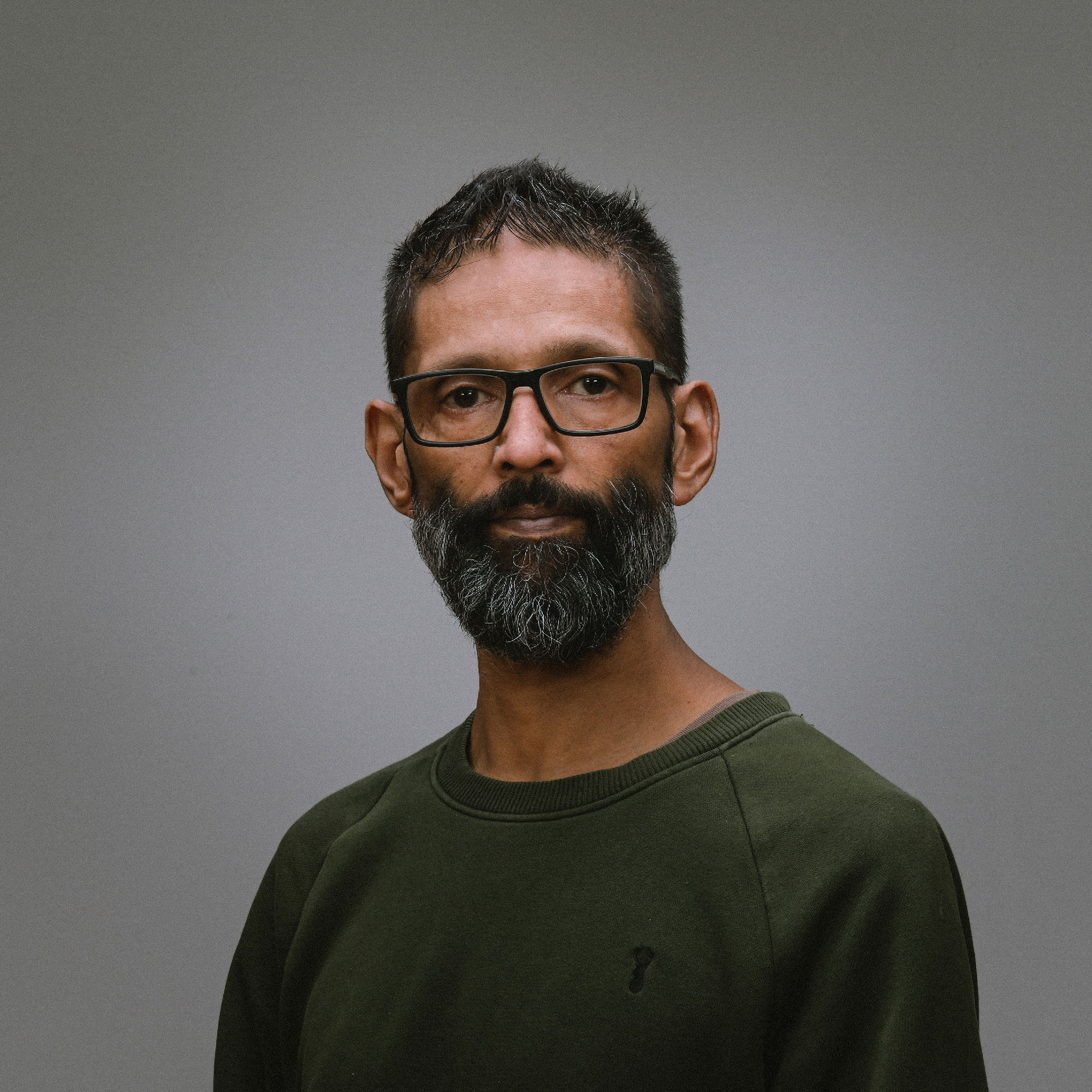
Dee Patel is an AI Visual Content Consultant and commercial product photographer with 14 years of experience. Dee advises UK e-commerce brands, retail businesses, and creative agencies on AI visual content strategy, production workflows, and cost efficiency. Based in the West Midlands.